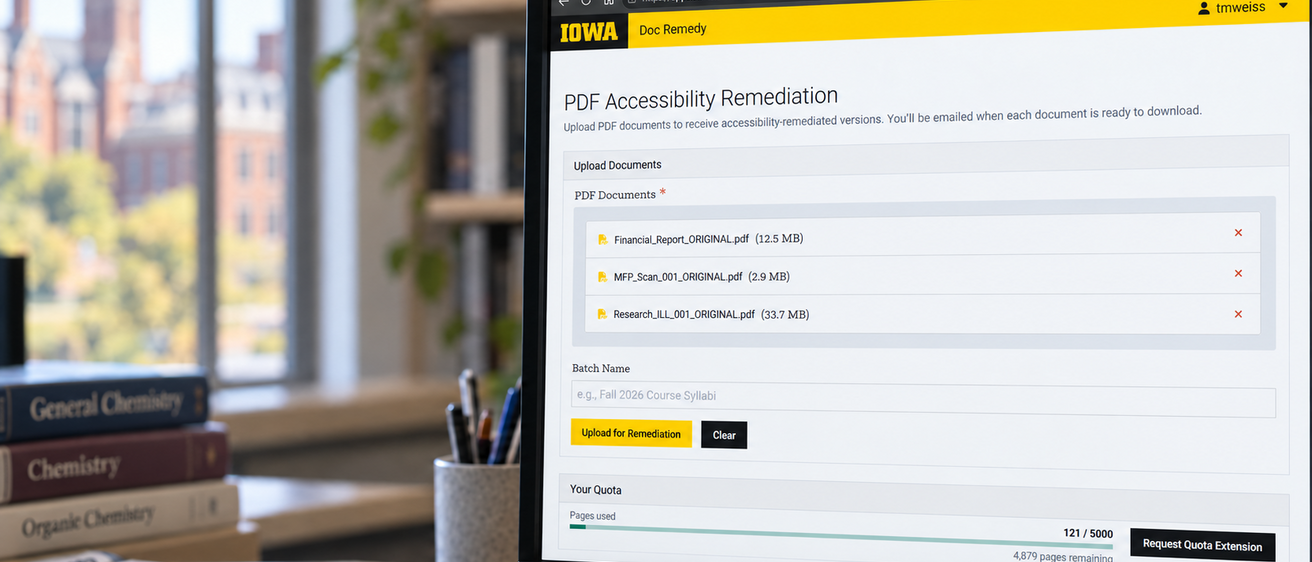
About Doc Remedy
Doc Remedy is a web-based tool that automates common PDF accessibility tasks for individual PDFs or batches of documents. Authorized users can upload documents and download processed versions when they are ready.
Doc Remedy can reduce the amount of manual work involved in PDF remediation, although additional remediation may be needed to address remaining accessibility issues.
Doc Remedy rebuilds a PDF’s entire accessibility structure during processing. In doing so, it may generate new alternative text, heading structure, reading order, table structure, and other accessibility information. Existing accessibility features may be replaced, including features you may wish to preserve.
NOTE: Before any significant editing, processing, remediation, or conversion, save an unchanged copy of your PDF as a backup.
Doc Remedy: What You Need to Know
What is Doc Remedy?
Doc Remedy is a web-based tool that automates common PDF accessibility tasks for individual PDFs or batches of documents. Authorized users can upload documents and download processed versions when they are ready.
Doc Remedy can reduce the amount of manual work involved in PDF remediation, although additional remediation may be needed to address remaining accessibility issues.
When to use Doc Remedy
Doc Remedy performs whole-document remediation, effectively rebuilding the document’s entire structure. This means any preexisting document features, including those not directly related to accessibility issues, may be altered or broken.
The Digital Accessibility group recommends using Doc Remedy only when:
- A document fails an automated or manual Image-Only PDF check.
- A document fails an automated or manual Tagged PDF check.
- A document’s reading order is significantly inaccurate.
- A document lacks meaningful heading, list, link, table, or other structural tags.
If the PDF already has a usable accessibility structure and needs only targeted fixes such as headings, tables, or alternative text, do not process it with Doc Remedy.
After Processing
Download and review the processed PDF and address any remaining accessibility issues. Pay particular attention to document structure and reading order, headings and lists, tables, and AI-generated alternative text. Complex layouts, tables, forms, and highly graphical documents may require additional review or remediation.
Automated accessibility checks may not identify all accessibility issues. Test the processed PDF with automated and manual checks before publishing.